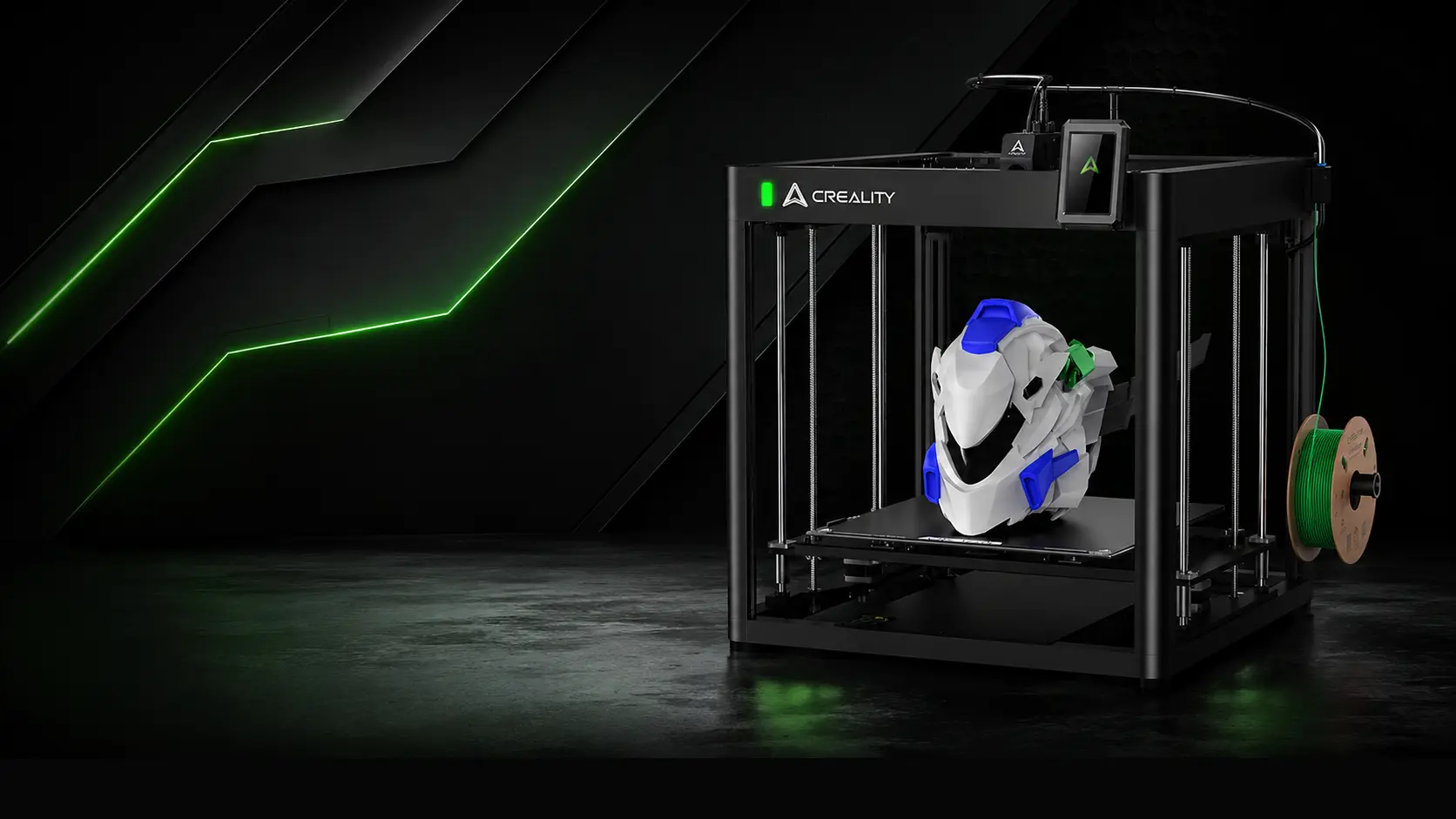
Creality Ender 3 Upgrades & Modifications

حُرِّرت من قبل
marketing
Creality Ender Series
Creality Ender 3 was introduced to the market as a 3D printer that almost anyone interested in 3D printing could afford. The main reasons behind its success were simple: most 3D printers at the time were either too expensive or unable to deliver satisfactory results. There were a few alternatives available from brands such as Flashforge, Prusa, and Anet, but they either required more assembly time or cost at least twice as much.
If you have ever wondered why Creality became so popular, those are the main reasons. The Ender 3 provided an affordable entry point into 3D printing and quickly became a favorite among hobbyists and makers.
However, 3D printing technology has continued to evolve. New features are constantly being added to improve reliability, print quality, and ease of use. Between 2018 and 2021, many third-party companies made significant profits by producing upgrades for Ender printers, as these machines were often in need of modifications to perform at their best.
Today, printers offering double the printing speed, Wi-Fi control, and improved accuracy are available at affordable prices. Despite these advancements, Creality has largely continued the same approach with many of its printer releases, including some of the newer models. The common expectation has been that users will rely on third-party upgrades to achieve better print quality, improve reliability, or simply get the printer running at its full potential.
From the first Ender printer released by Creality to their latest models, including the K1, modifications have remained a common part of ownership. In the following sections, SWbAC engineers will provide some of the most recent upgrades for the Ender 3 Series. These upgrades improve functionality and help bring older Ender printers closer to the performance of newer models released by the company.
So, if you already own an Ender printer, there is no need to purchase another Ender or even another Creality machine. These upgrades will help you push the Ender Series to its maximum potential for 2023.
BigTreeTech Micro Probe for Ender 3 Series
There are many bed leveling sensors available on the market, but one of the best options when considering both price and height accuracy is the BTT Micro Probe.
Before starting the installation, it is important to note that these upgrades are considered intermediate-level modifications. If you are a beginner, it is recommended that you first complete the upgrades covered on the beginner-level page.
Once you have completed the beginner-level upgrades, you can continue with the following modifications. The SWbAC team has prepared these upgrades to work with both stock Ender 3 printers and printers that have already received the beginner-level upgrades.
To begin, you will need:
-
BTT Micro Probe
-
Dupont pin connectors
-
Crimping tool
Before cutting any wires, make sure to print this file, especially if you only have one printer available.
Ender 3 Mainboard Version 4.2.2
For the Ender 3 board version 4.2.2, the pin connections are as follows:
Z Endstop Connection
-
White (Probe)
-
Black (GND)
Connect both wires to the Z Endstop pin.
BLTouch Port Connection
-
Black (GND)
-
Red (5V)
-
Yellow (Servo)
Connect these wires to the BLTouch port.
The first video clearly demonstrates the wiring process, including crimping the connectors and connecting the Micro Probe.
Once the wiring is complete and the Micro Probe is connected, you can either download the BIN file and insert it into the printer to directly upload the firmware, or download the configuration files if you prefer to make your own modifications.
BIN Files
This file works with A4988 stepper motor drivers.
Config File
Download the configuration files if you would like to customize the firmware before compiling it.
-
Bin Files (This file works for A4988 stepper motor driver)
SKR Mini E3 V3
To be continued...
الوسوم
التصنيفات
3D Printing Kuwait
(1)
3D Printer Guides
(1)
Creality Ender 3 Upgrades & Modifications
(1)
3D Printer Upgrades & Calibration
(1)
3D Printing Guides & Tutorials
(1)
Programming 3D Printers
(1)
3D Printer Troubleshooting
(1)
أحدث المنشورات
3D Printer Troubleshooting
2026-06-24Programming 3D Printers
2026-06-243D Printer Guides
2026-06-24
أرشيف
Jun 2026
(7)
المزيد من marketing
3D Printer Troubleshooting
2026-06-24Programming 3D Printers
2026-06-243D Printer Guides
2026-06-24